
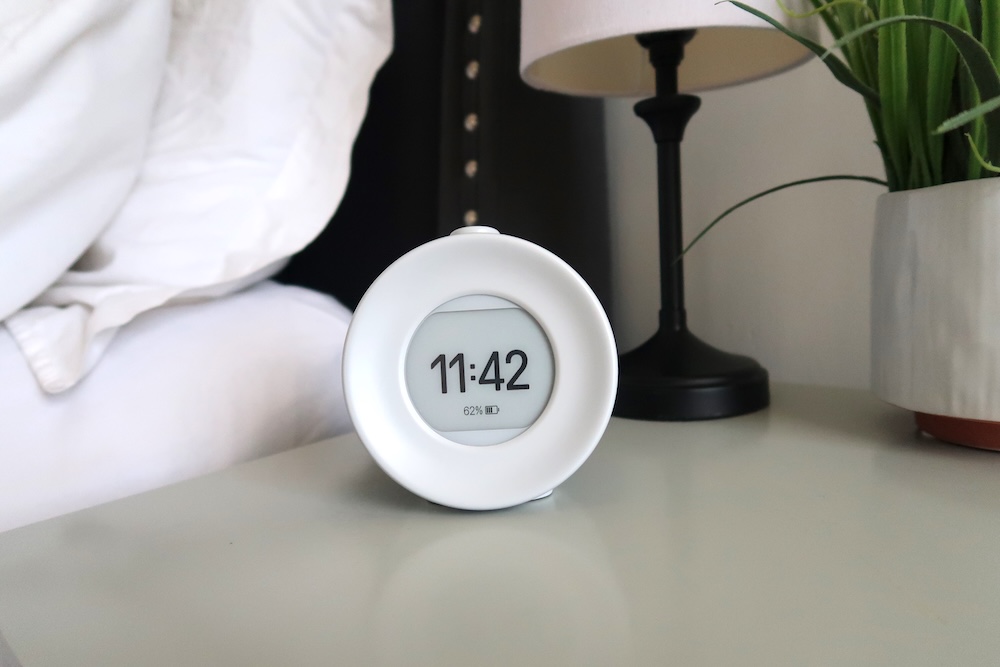
Why I Stopped Using My Phone as an Alarm Clock
For years, my phone was the last thing I looked at before falling asleep and the first thing I reached for in the morning.
It made sense. My phone already had an alarm clock, so why would I need another one?
Except using my phone as an alarm also gave me the perfect excuse to keep it right next to my bed.
I’d set my alarm…and then check one more notification. Look at social media for a minute. Check tomorrow’s weather. Answer a text. Scroll through a few videos.
Suddenly, “going to bed” didn’t actually mean going to bed.
And mornings weren’t much better. I’d reach over to turn off my alarm and immediately see emails, notifications and everything else waiting for me.
I finally realized that maybe my phone didn’t need to have a permanent spot on my nightstand.
Thank you Mudita for sponsoring this post.
Why I Wanted My Phone Out of My Bedtime Routine
The alarm itself wasn’t really the problem. It was everything that came with it.
When your phone is sitting inches away from you, it’s way too easy to reach for it when you can’t fall asleep, when you wake up in the middle of the night or the second your alarm goes off.
What starts as checking the time can quickly turn into 20 minutes of scrolling.
I wanted my bedroom to feel more like a place to actually rest instead of another place where I was constantly connected.
So I decided to try something surprisingly simple:
Stop using my phone as my alarm clock.
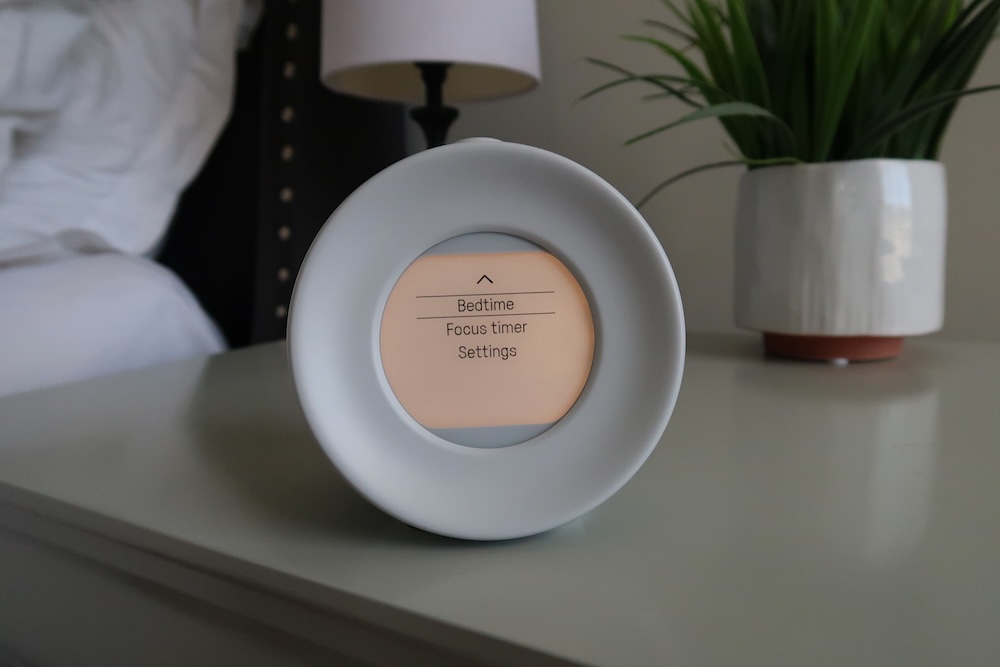
What I Use Instead: Mudita Harmony 2
If I was going to move my phone away from my bed, I obviously needed something else to wake me up.
That’s where the Mudita Harmony 2 comes in.
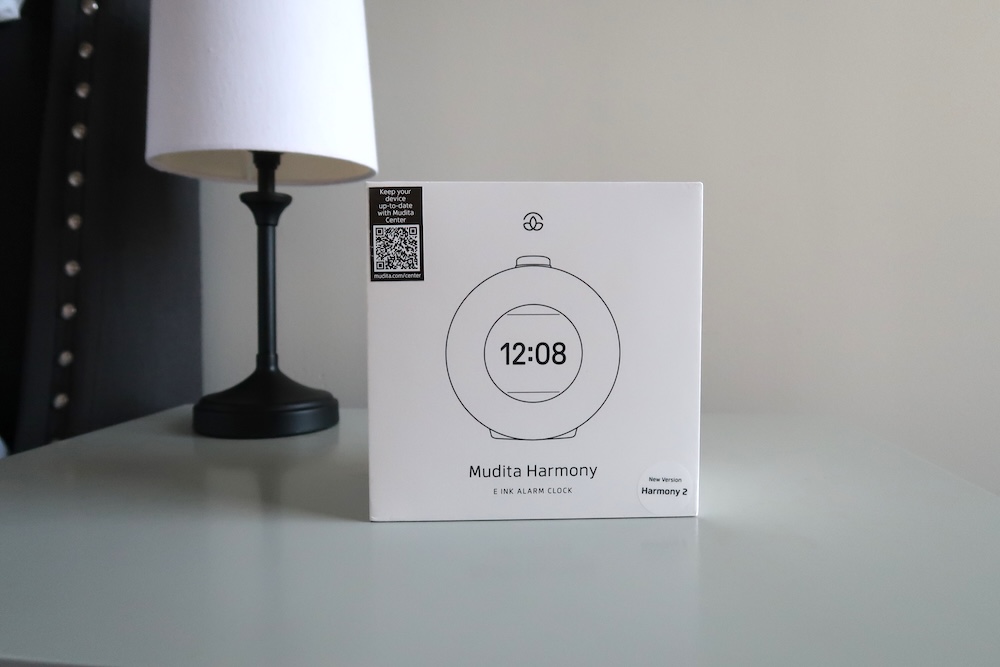
Harmony 2 is a restful sleep clock designed specifically for creating a smartphone-free bedtime routine. Instead of replacing your phone with another bright, distracting device, it’s designed around winding down, sleeping and waking up more peacefully.
And it does a lot more than just beep at you in the morning.
Wake Up to Something Other Than BEEP, BEEP, BEEP
Nobody wants to start their morning by being startled awake.
Harmony 2 lets you choose from 17 gentle, nature-inspired alarm sounds. The volume gradually increases rather than immediately blasting you awake. You can also upload your own custom alarm sounds, so the built-in options are just a starting point.
You can customize how your alarm behaves, too, including the option to have the volume gradually increase rather than immediately blasting you awake.
It’s a much calmer way to start the day and you get to choose the sound you actually want to wake up to.
No Bright Blue Light on Your Nightstand
One of my favorite features is the E Ink® display.
Rather than putting another bright screen next to your bed, the display is designed to be gentle on your eyes without the blue-light distractions you’d get from your phone.
You can check the time without accidentally seeing a notification that sends you down another rabbit hole.
No texts.
No emails.
No social media.
Just the time.
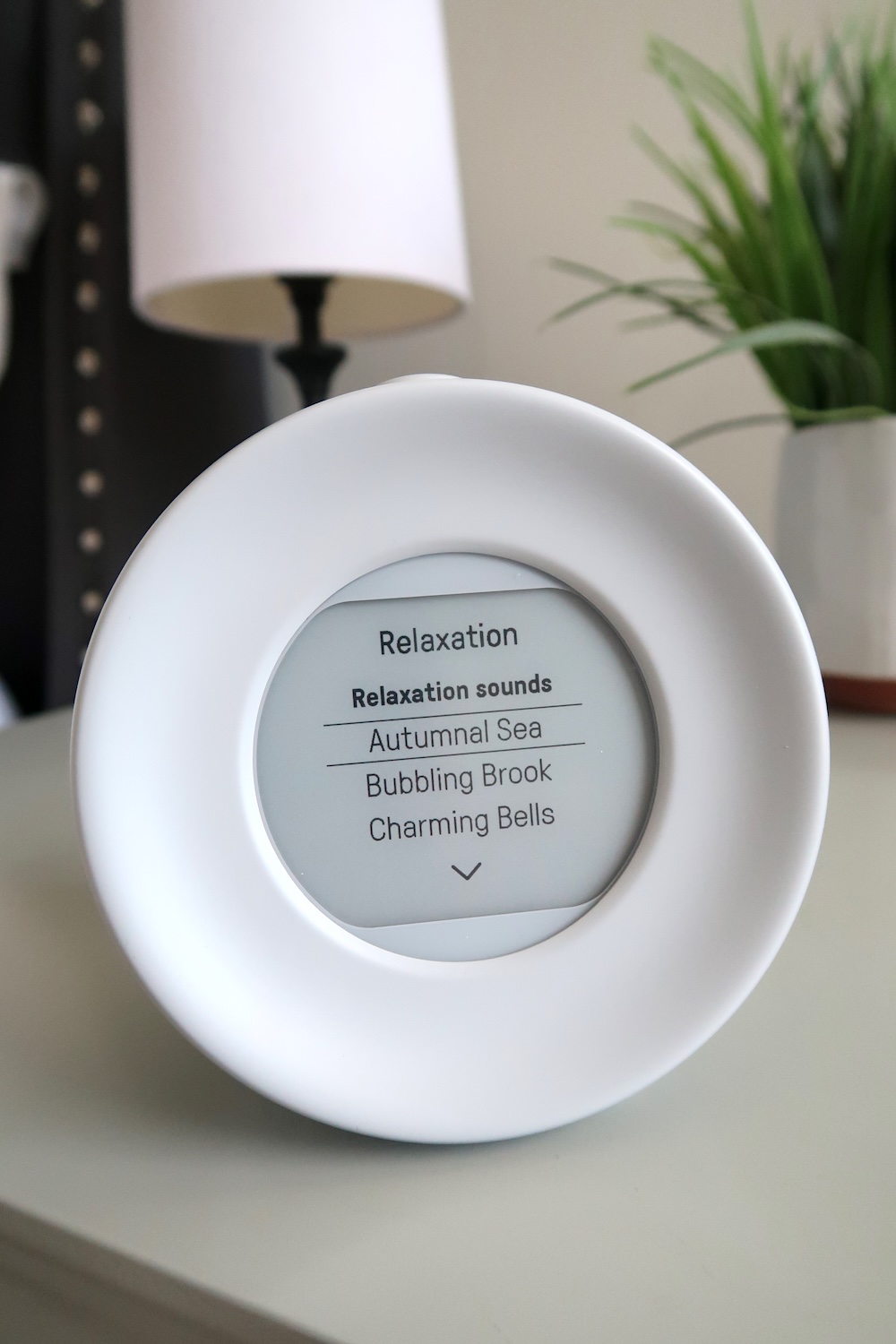
Relaxation Sounds for Winding Down
Harmony 2 isn’t only useful when it’s time to wake up.
It also includes a library of calming relaxation sounds that you can use as part of your nighttime routine. You can also upload your own relaxation sounds, so you can personalize what you listen to as you wind down.
Instead of lying in bed scrolling while you’re trying to get sleepy, you can put your phone away, turn on a relaxing sound and actually give yourself a chance to wind down.
I love the idea of making that part of a simple nightly ritual: phone goes away, relaxation sound comes on and the day is officially done.
Charge It and Forget About It
Here’s another thing I don’t want on my bedtime checklist: remembering to charge yet another device every night.
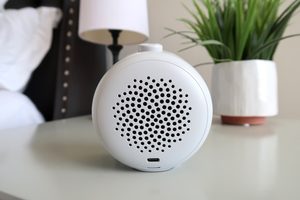
Harmony 2 can last up to 45 days on a full charge.
That means you don’t need another charging cable permanently stretched across your nightstand or another device that needs to be plugged in every night.
Charge it, put it on your nightstand and you’re set for weeks.
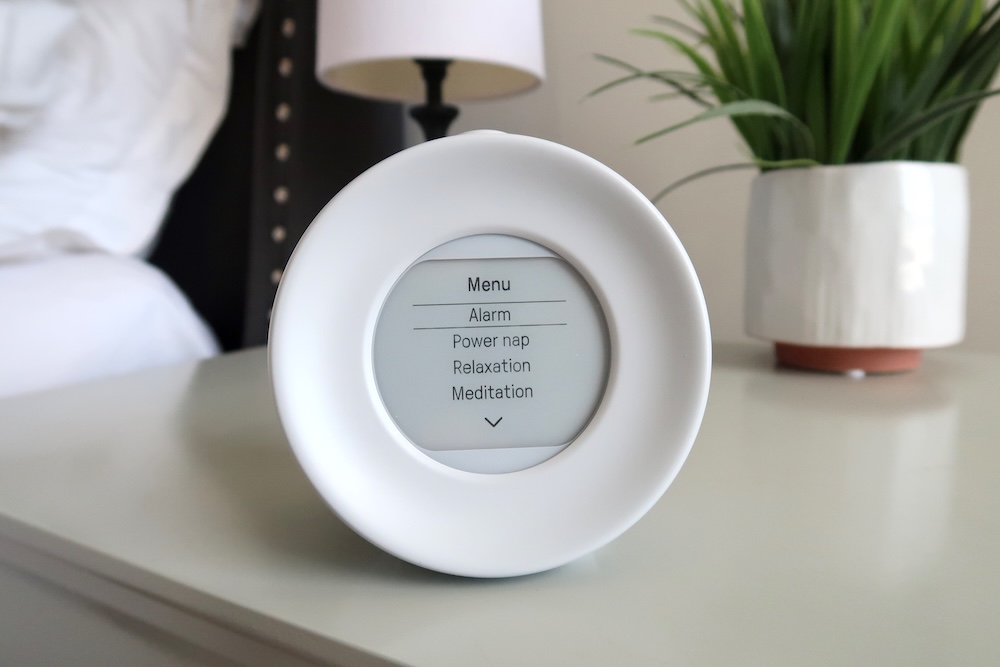
And Then There’s Power Nap Mode
This feature might be one of the most fun.
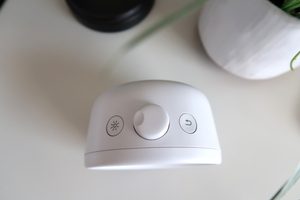
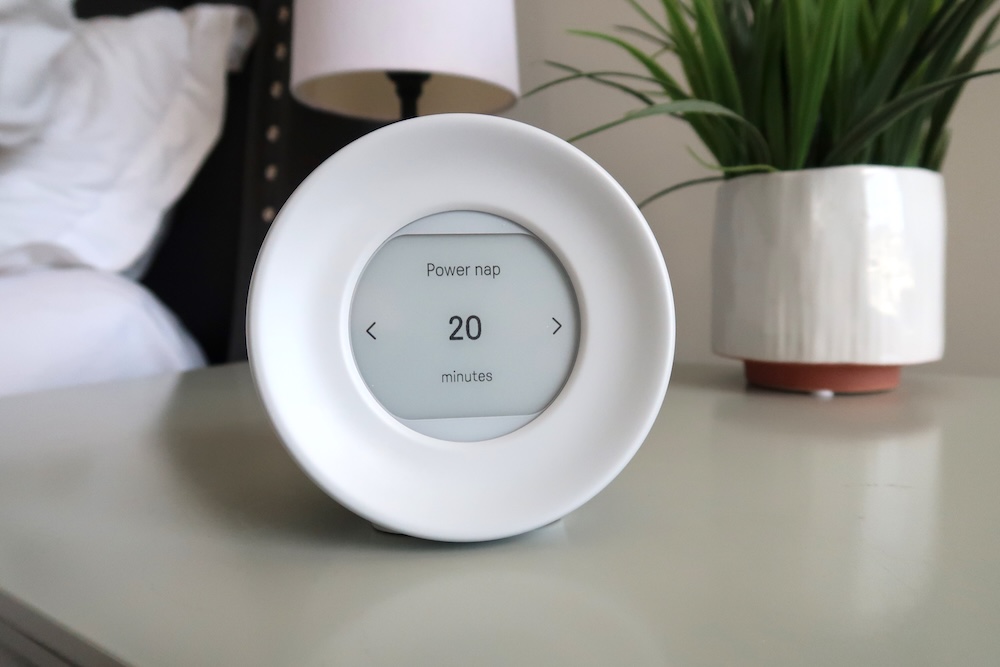
Harmony 2 has a dedicated Power Nap mode for those days when you need a quick reset without accidentally waking up two hours later wondering what year it is.
And there’s actually some interesting research behind the idea of a short power nap.
In NASA research involving long-haul flight crews, a planned 26-minute nap was associated with a 34% improvement in performance and a 54% increase in physiological alertness.
So if you’re going to nap, apparently there’s something to be said for keeping it short and sweet.
Harmony 2’s Power Nap mode makes it easy to work a quick, revitalizing rest into your day without reaching for your phone to set another alarm.
The Best Part Is Putting Some Distance Between You and Your Phone
You don’t necessarily have to ban your phone from the bedroom completely.
The goal is simply to make it inconvenient to reach for.
Charge it across the room, put it on a dresser or leave it charging outside the bedroom.
Once you have a dedicated clock like Harmony 2 handling your alarm, there’s really no reason your phone needs to be inches away from your pillow.
And that changes your mornings, too.
When your phone is your alarm, you have to pick it up as soon as you wake up. And once it’s in your hand, it’s incredibly easy to start checking email, messages and social media before you’ve even gotten out of bed.
Using a separate alarm clock gives you a little space between waking up and checking your phone.
Even if it’s only 15 minutes, that’s time to stretch, drink some water, make coffee, get dressed or simply wake up before diving into everything waiting for you online.
Try a Phone Curfew
If you’re used to having your phone beside you every night, you don’t have to completely overhaul your routine on day one.
Start with a simple phone curfew.
Choose a time—maybe 30 minutes before bed—when you plug your phone into its new charging spot and leave it there.
Then let Harmony 2 take over the things you were actually using your phone for at bedtime.
Set your morning alarm. Turn on a relaxing sound. Read a book. Do your skincare routine. Stretch. Get things ready for tomorrow.
The goal isn’t to create the world’s most perfect nighttime routine.
It’s simply to stop accidentally spending your last waking hour scrolling.
Maybe It’s Time to Make Your Nightstand Boring Again
We’ve slowly turned our nightstands into tiny command centers filled with phones, smartwatches, tablets, chargers, notifications and glowing screens.
Maybe your nightstand doesn’t need to connect you to the entire world.
Maybe it can just hold the things that help you rest.
A lamp.
A book.
A glass of water.
And a really good alarm clock.
The Mudita Harmony 2 gives you the useful parts of having your phone beside your bed (the clock, alarm, relaxing audio and even a power nap timer) without all the distractions that come along with your phone.
If you’ve been telling yourself you have to sleep next to your phone because “it’s my alarm,” this might be the perfect excuse to finally break the habit.
Charge your phone somewhere else.
Let Harmony 2 handle the wake-up call.
And make your bedroom a little less connected—and a lot more restful.