
Sher Bailey has been a dedicated voice for the Love and Marriage blog for over a decade, sharing practical advice on everything from stretching a grocery budget to finding the best homeschooling resources. She writes from the unique perspective of a full-time traveler, living and working on the road in her motorhome alongside her husband and their two cats. Sher’s diverse body of work is fueled by her belief that with the right tools and a little creativity, any challenge can be turned into an opportunity for growth and adventure.
Editing photos – a blueprint
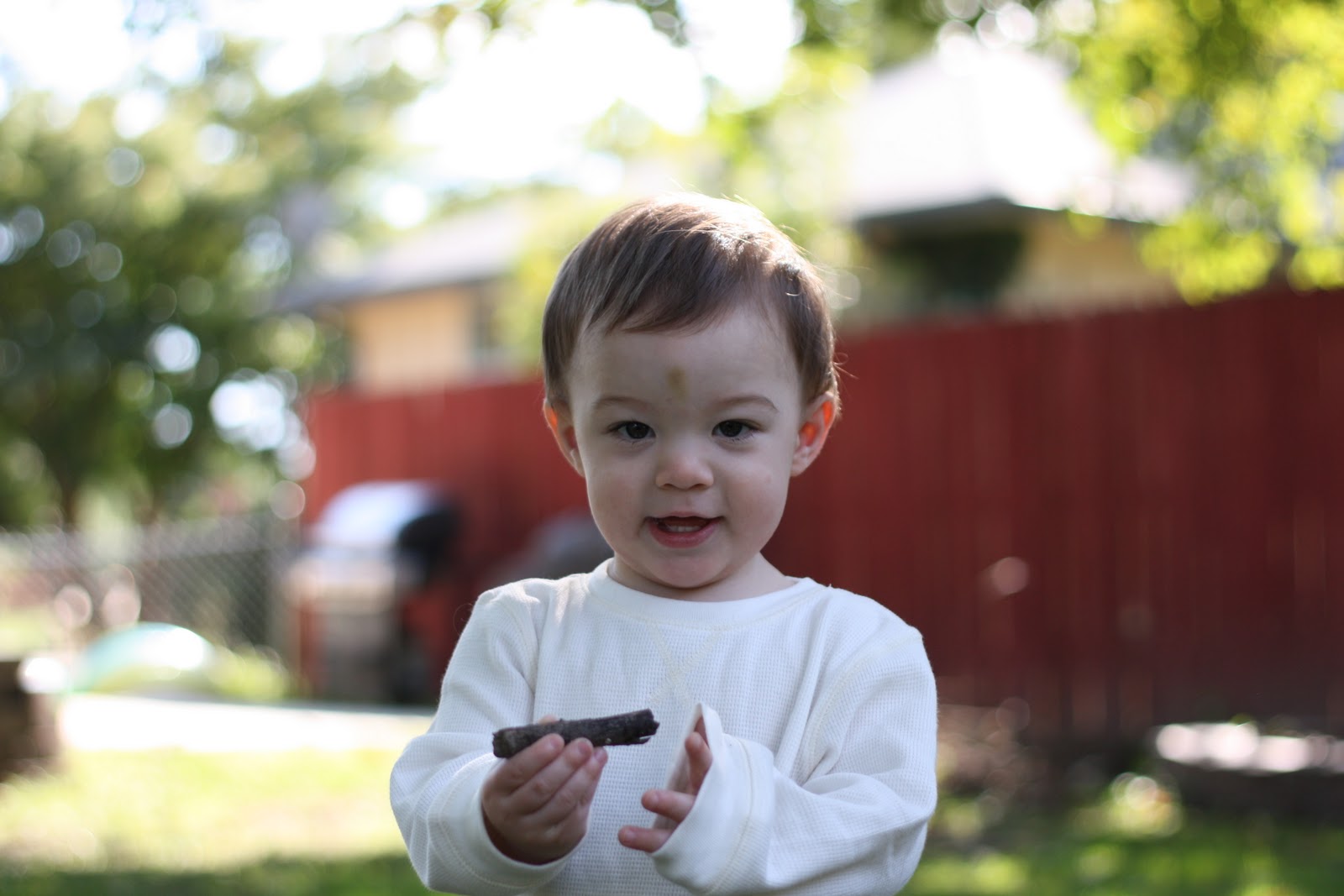
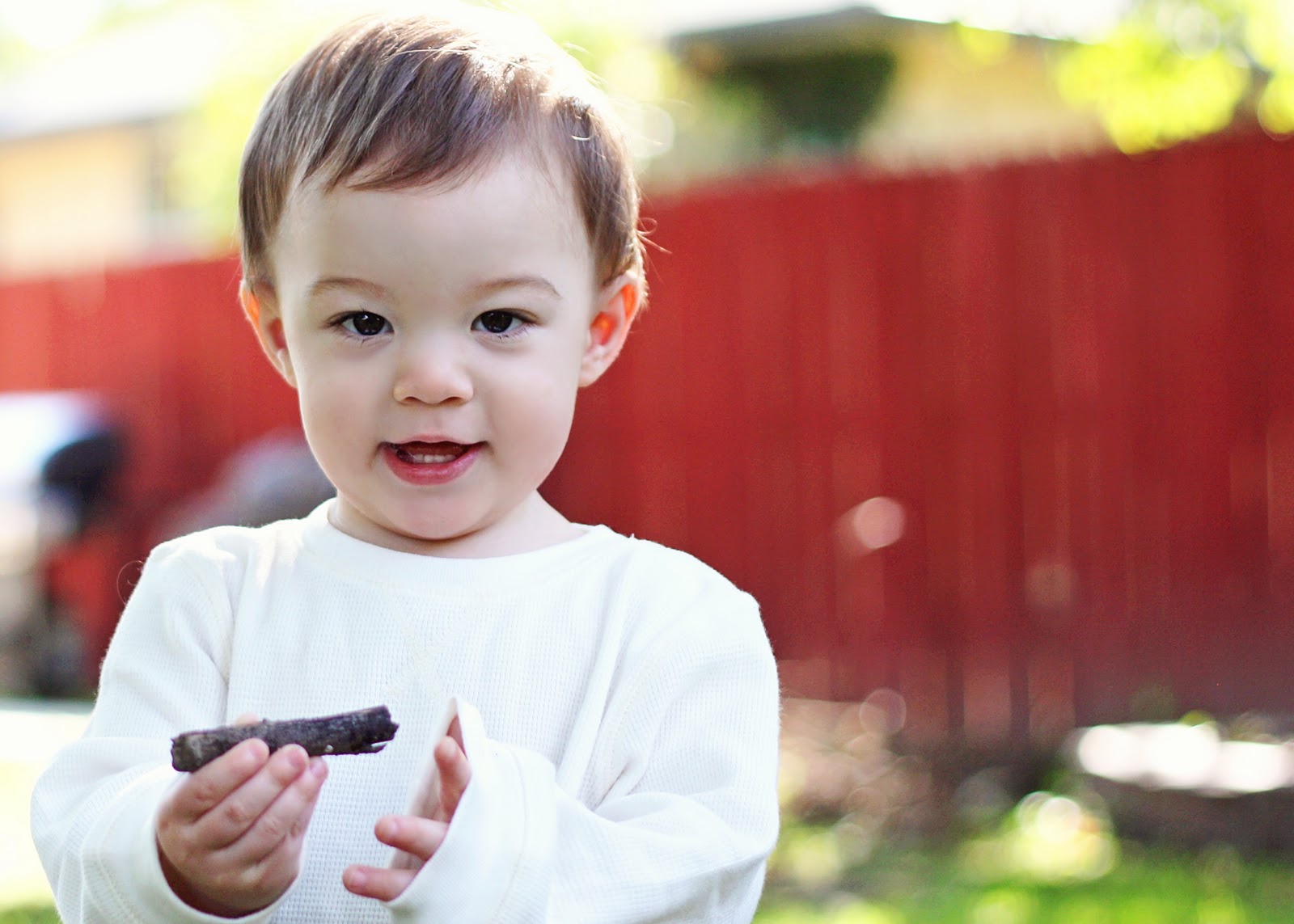
Almost every photo that I post here is edited in some way or another – even if it is only a bit of sharpening. I thought I’d show you how I do it, so here is a list of what I did for this particular picture. I have bought several actions from Paint the Moon that help a lot and she has some freebies on facebook. I love her actions! I use Photoshop Elements 9.
In order – here’s what I did:
-lighten shadows
-spot healing brush – erase the bruise on his head
-brighten
-adjustment layer
-PTM baby soft skin
-PTM twinkle eyes
-PTM vanilla pop
-PTM portrait sharpen at 40%
-crop
How do you edit? Do you use actions?
To see full size versions of each, click below.
amybyrd says
I always love your photographs. i have started playing around with editing a little so thanks for the resources. I am just using a point and shoot for now, any tips there. Check out 4 Hens Photography she has freebies on her FB too.
Sandi says
So I need an editing program, but I can’t justify spending a lot as I would only be doing it one pictures of my little family (just learning more about photography and editing) Do you know of any good or at least decent programs for cheap or free?
amybyrd says
elizabeth,
I can’t find the actions you used in her shop–are they part of a bundle?